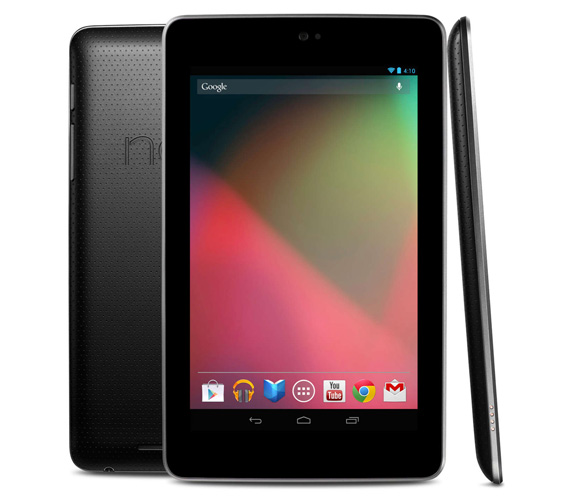
Has your Nexus 7 suddenly refuse to turn on? Even when you have it connected to a charger still no response? The only signs of life is a faint bluish-black glow that gives you slight hope that you MIGHT be able to fix this issue.
In most cases it simply is that the battery was completely drained. So completely drained that it won't even start up. The solution is rather simple, connect it to the charger and don't touch it. Mine took almost 2 days! First day barely responsive mid-day on the 2nd day I was able to turn it on but kept it on the charger till it fully charged. This seems to be an issue with many Nexus 7 users that when the battery completely drains unlike other devices it will NOT turn on when connected to a power source.
Make sure to use the original charger that came with your Nexus 7. If you don't you might not get enough power to your device since traditional phone chargers don't disperse enough power.
If this fails then you can try this tip to fix the issue:
When the battery is fully discharged the N7 will go into a sort of safe charging mode. After leaving it on the charger for 3 - 6 hours try holding the power button for up to 30 seconds, this should wake your N7 up.
The last option to try would be to hold the power button and the +/- volume buttons for 30 seconds. This should reset the device.


No comments:
Post a Comment